

How AI Is Changing Media Asset Workflows

Introducing a new way to work with Nomad Media: one that meets you where you are.
There's a version of your workday that probably sounds familiar.
You need to pull assets for a campaign. You know roughly what you're looking for, but finding the right ones means digging through the library, cross-referencing metadata, checking formats, and then once you've found what you need—spending more time reformatting, watermarking, and packaging everything for delivery. By the time you're done, you've spent an hour on work that felt more like logistics than creativity.
Now imagine describing what you need in a single sentence and walking away.
That's the idea behind Nomad Media's new Media Assistant.
It Starts with a Prompt
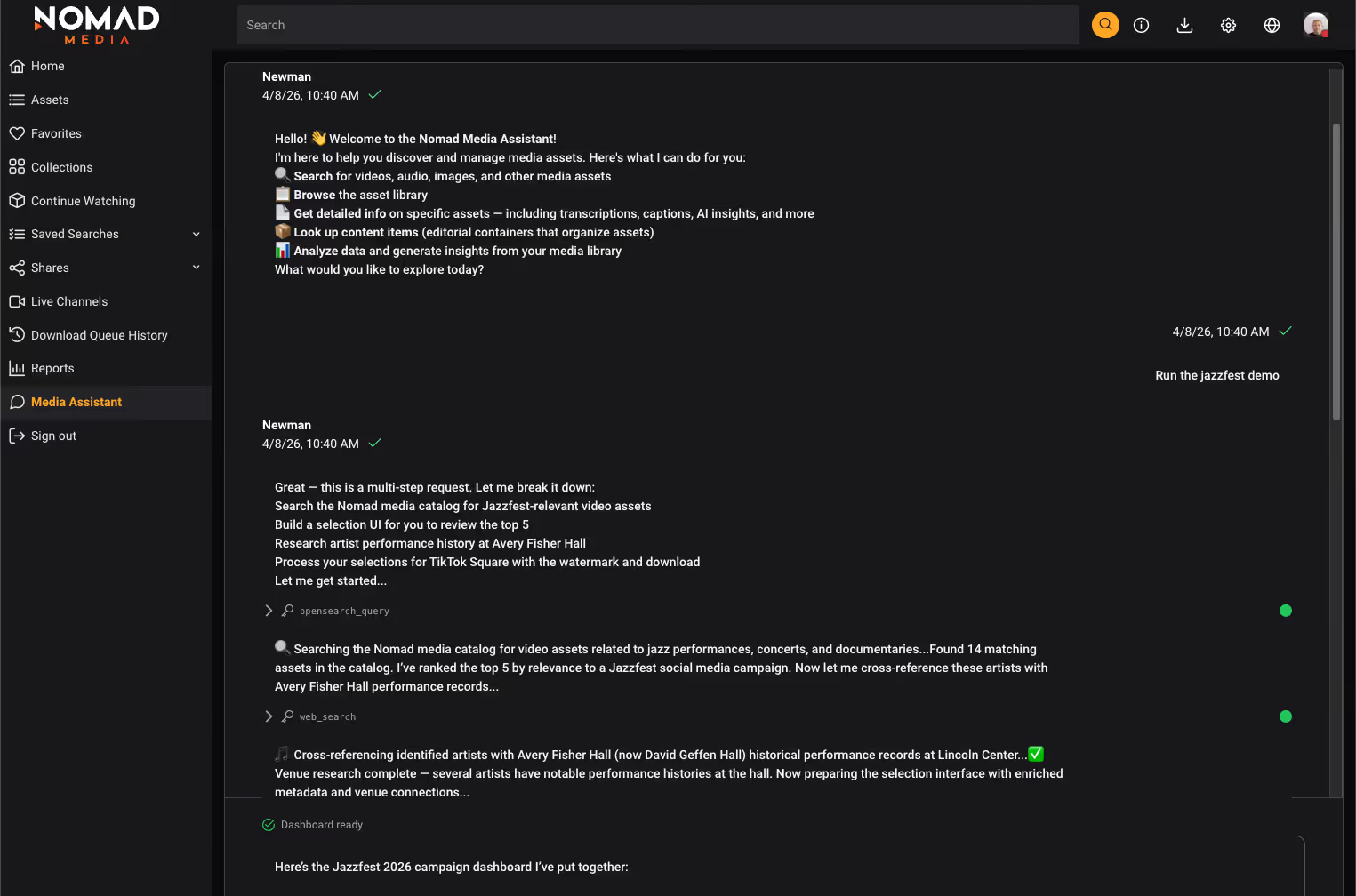
The Media Assistant lets you interact with your Nomad Media library in plain language. No new interface to learn, no multi-step workflow to navigate. You describe your intent—what you need, what it's for, how you want it delivered, and the system goes to work.
It's the same instinct behind the AI tools many of us already use in our daily lives. The difference is that this one understands your media library, your assets, and your organization's specific context.
It Does More Than Search
The Media Assistant isn't a smarter search bar.
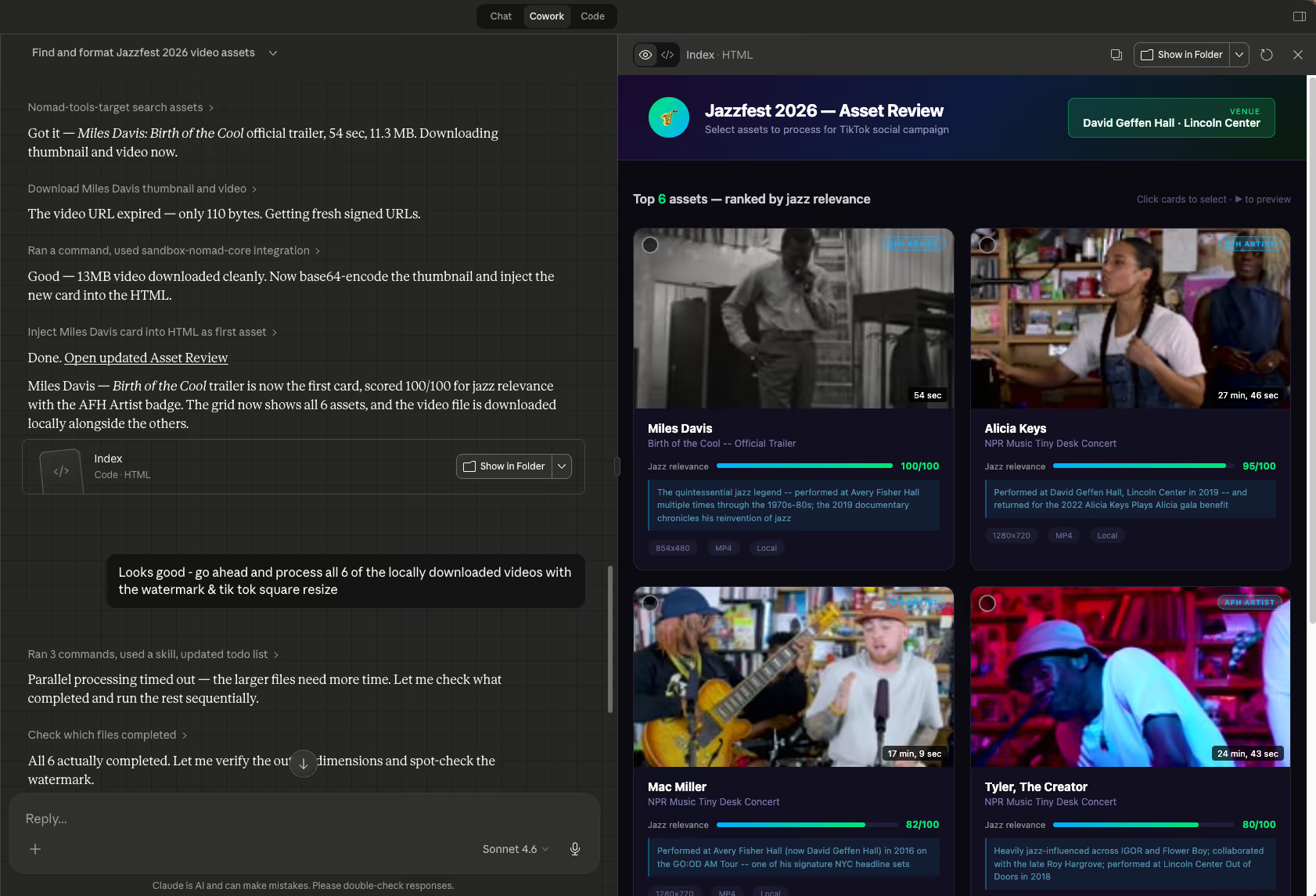
When you type in a prompt, the system doesn't just return a list of results. It interprets what you're trying to accomplish, pulls the most relevant assets, enriches them with context from inside and outside your library, and presents them to you in a format designed around your specific task.
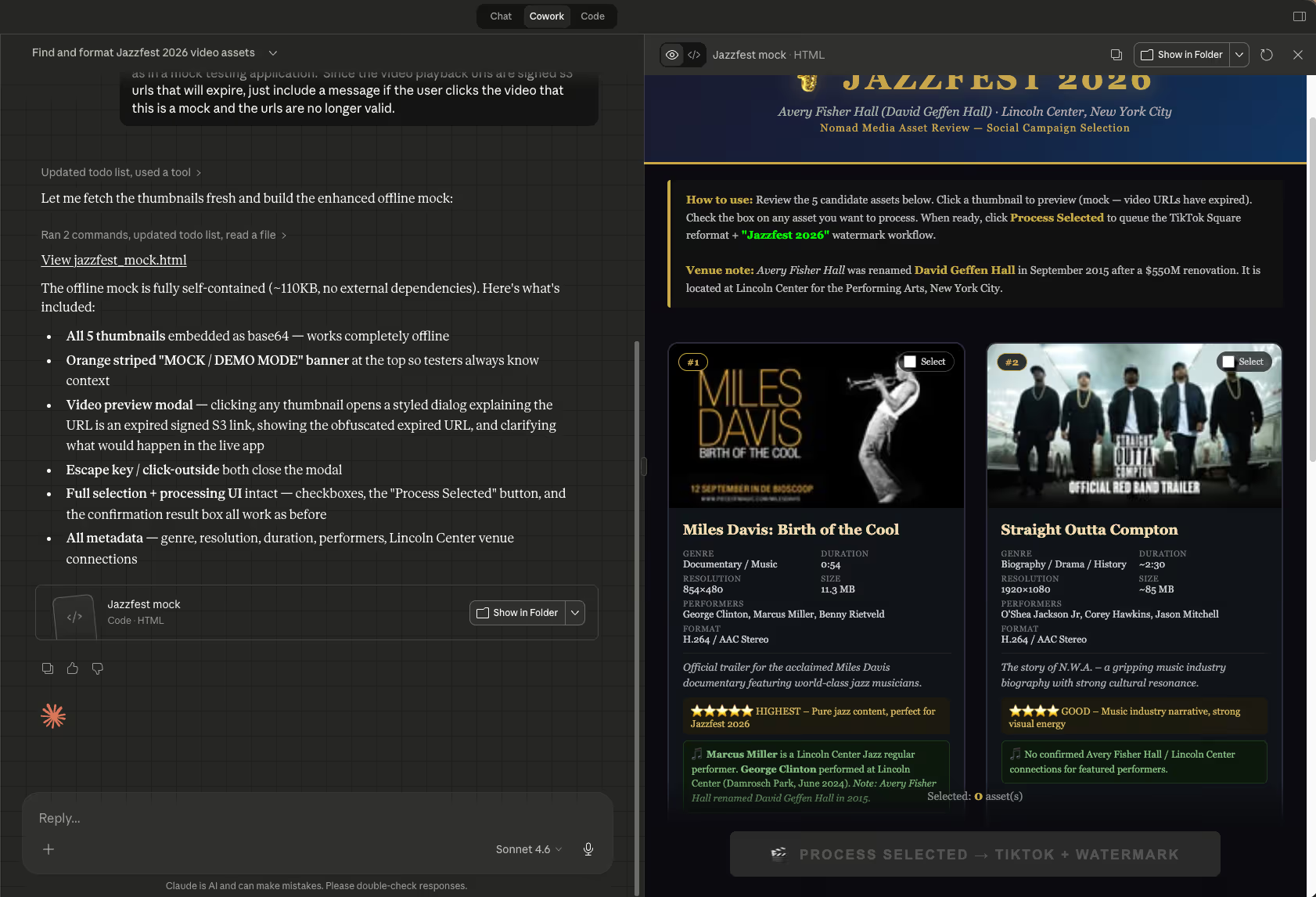
In a recent internal demo, the system was asked to pull assets for a campaign tied to a specific venue—one that had actually been renamed years earlier. Without being told, the Media Assistant identified the discrepancy, flagged it, and adjusted its results accordingly.
Search is Getting Smarter, Too
Separate from the Media Assistant, Nomad Media is also rolling out a significantly upgraded AI-powered search experience. Where previous AI search worked by analyzing media and converting that analysis into text—essentially describing your content rather than truly understanding it—the new approach indexes the media itself directly.
The difference in practice: you can now search across your entire library: video, audio, images, and documents in a single prompt, with results that reflect what's in your content rather than merely summarizing it.
Think of it as the difference between asking someone who’s read a description of a film versus someone who actually watched it.
You Stay in Control
Automation doesn't mean handing over the wheel. The Media Assistant is built around a human-in-the-loop model, meaning it knows when to act and when to stop and ask.
After surfacing its recommendations, it waits for you to review, select, and approve before moving forward. You decide what makes the cut. The system handles everything after that.
Media Assistant Handles the Delivery
Once you've made your selections, the Media Assistant can take care of the downstream work, reformatting assets for specific platforms, applying watermarks, and packaging files for delivery based on the parameters you set in your original prompt.
Your Content Stays Yours
For many organizations, content security is a legal requirement. Nomad Media's AI capabilities are built on AWS infrastructure, meaning the analysis and processing of your media happens entirely within your own environment. Your content never has to leave your ecosystem to benefit from the intelligence being applied to it.
When to Use It (and When Not To)
AI tools are constantly evolving, and at this point in time, here are the capabilities within the Nomad Media Platform.
The Media Assistant is great when:
- You're working on a multi-step task you'd otherwise have to drive manually
- The process is repeatable: something you do weekly, monthly, or on a regular schedule
- You don't need results instantly and don't want to babysit the process while it runs
It's not the right tool when:
- You need a fast answer—a simple search will always be quicker
- You're browsing or exploring without a specific outcome in mind
- Think of it less like a search engine and more like a capable colleague that you can brief on a task and trust to execute—one who knows your library inside and out.
Built for Every Kind of User
Not everyone on your team is going to want to write their own prompts from scratch, and that's completely fine. The Media Assistant supports pre-built prompt templates: think of them as recipes that can be set up once and reused by anyone on the team. For recurring workflows, those can even be scheduled to run automatically, so the work is done before you arrive in the morning.
Whether you're a power user who wants to customize every detail or someone who just wants to click and go, there's a path for you here.
See It at NAB
We'll be demonstrating the Media Assistant live at NAB this year. Come find us in the West Hall at Booth #W2357 and we'll show you exactly what it looks like in practice, including what it can do for your specific workflow.
We're also happy to schedule a dedicated time if you'd prefer a more focused conversation. Reach out to sales@nomad.media and we'll set something up.