Products / Nomad Media Explorer Your Cloud Media Library, Inside Finder and File Explorer
Nomad Media Explorer brings your entire media asset management platform into the file browser you already use every day. Search, preview, and share your content without the need to download a single file first.
The Problem
Managing large media files shouldn't mean choosing between access and storage.
If you've used a traditional cloud storage mount, you know the tradeoff. Either the browsing experience feels disconnected from your actual files, or your hard drive fills up fast with duplicate local copies just so you can see what you have.
For teams managing petabyte-scale media libraries, that tradeoff adds up quickly. A single 10GB video file, cached locally just to preview it, eats into storage you don't have to spare.
Nomad Media Explorer was built to remove that tradeoff entirely.
How It Works
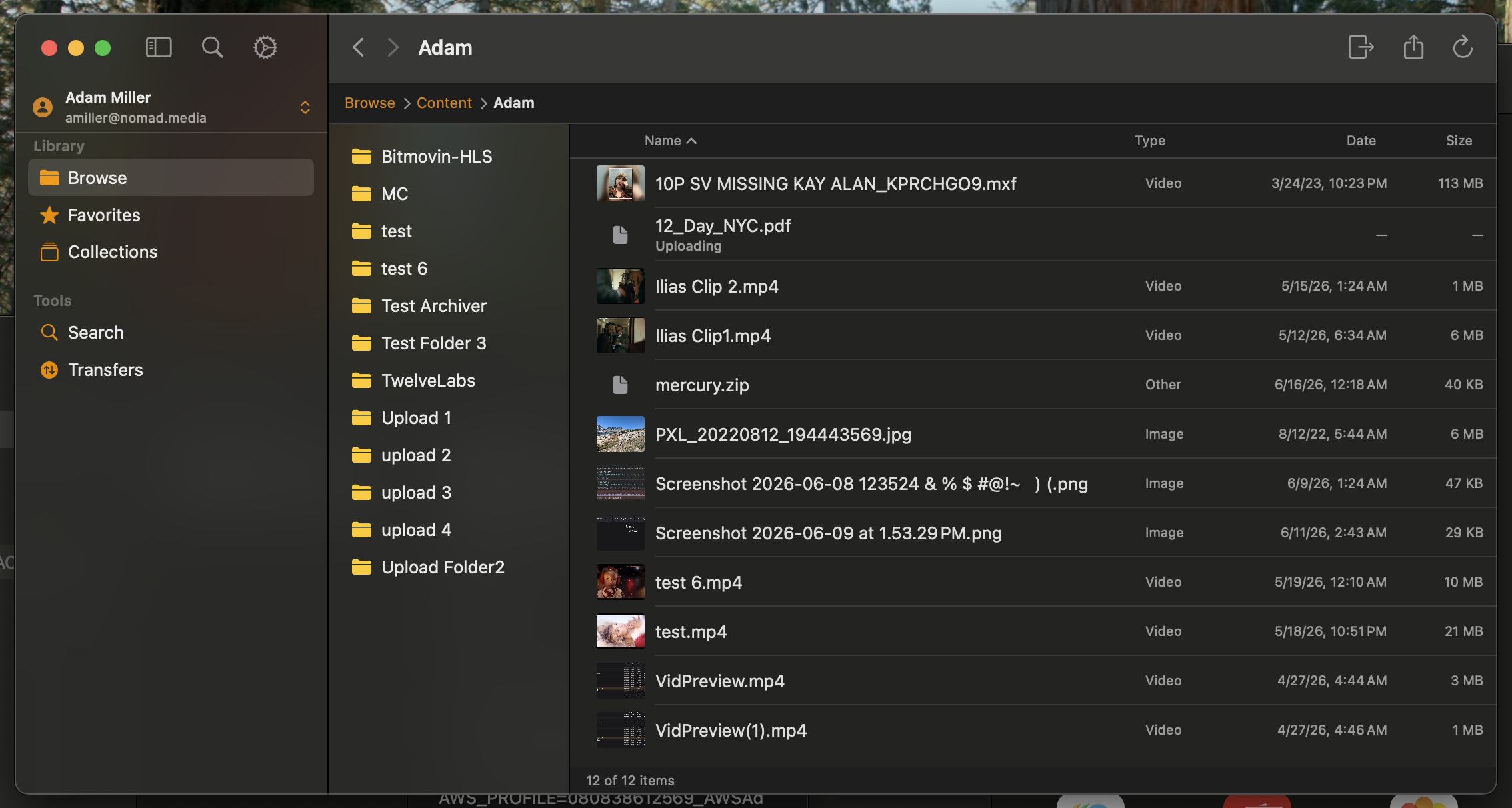
Nomad Media Explorer installs as a native Mac or Windows application. Once it's running, your entire cloud media asset management platform appears directly inside Finder or File Explorer, sitting right alongside your local folders.
What you can do right away:
- Browse, search, and preview your cloud media library without leaving Finder or File Explorer
- Drag and drop files in and out, the same way you'd move any local folder
- Open media directly from the creative apps you already use, with no manual download step in between
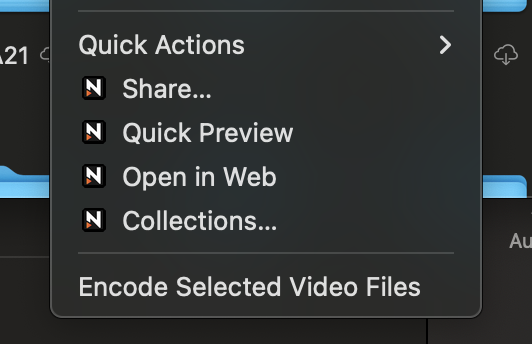
- Share files and generate links right from the file browser itself
This is cloud-native asset management working the way it should: available everywhere, visible nowhere.
What Makes This Different
Features designed to streamline your processes.
No local caching, no duplicate storage
Most tools that mount cloud storage to your desktop create local copies of your files behind the scenes. That's how they make browsing feel fast, but it also means your hard drive fills up with duplicate versions of files that already live safely in the cloud. Nomad Media Explorer skips that step. A 10GB file stays exactly where it belongs, in your cloud media storage, not duplicated on your laptop.
Instant preview and playback
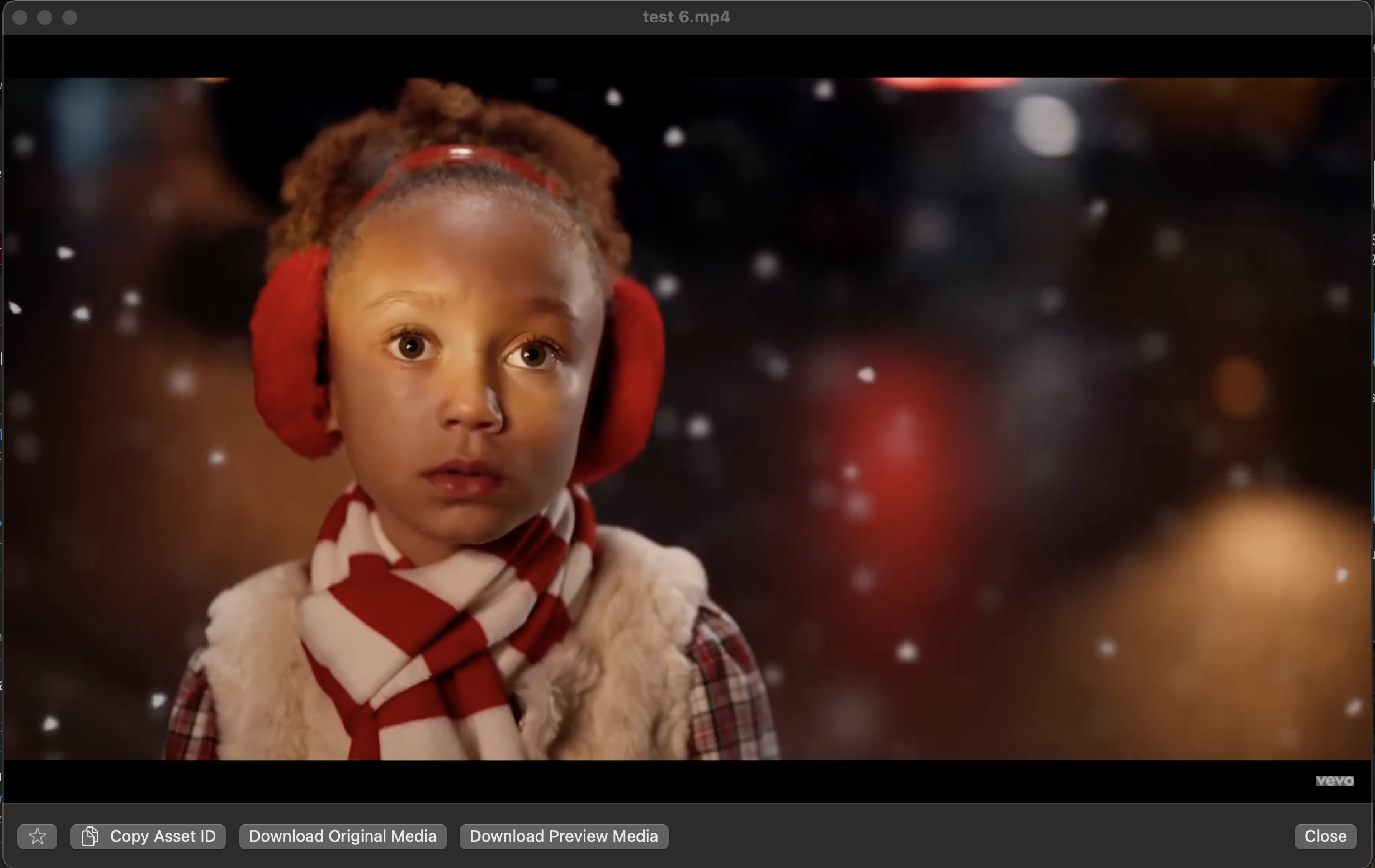
Every asset already has a ready-to-play proxy or streaming version generated behind the scenes, so you can preview video, audio, and images instantly. No waiting on a multi-gigabyte master file to finish downloading first.
Resilient transfers
Uploading a large batch of files and need to close your laptop mid-transfer? No problem. Nomad Media Explorer picks up right where it left off.
Single sign-on
Works with Azure and Okta SSO, along with standard username and password login. You can also stay connected to multiple accounts or environments at once.
Built for How Teams Actually Work
Wherever your team works, your media library comes with them.
Editors pulling assets straight into their creative apps. Producers organizing footage from a shoot. Admins managing who has access to what across a growing team. Nomad Media Explorer meets each of them inside the environment they're already working in, not a separate browser tab they have to remember to open.
This is what collaborative media management should feel like: less about visiting a platform, more about the platform simply being there.
Frequently Asked Questions
Does Nomad Media Explorer replace the Nomad Media web app?
No. Nomad Media Explorer is a native desktop companion to the web experience, not a replacement for it. Both give you access to the same media asset management platform, just through different interfaces depending on how you prefer to work.
Will Nomad Media Explorer create duplicate copies of my files?
No. Unlike many cloud storage tools, Nomad Media Explorer does not cache files locally. Files only download when you specifically choose to open or save them.
How is this different from tools like Mountain Duck or Cyberduck?
Those tools connect to cloud storage using generic AWS credentials, which means permissions aren't tied to your actual user account. Nomad Media Explorer inherits your existing Nomad Media permissions directly, and it doesn't create the local file caches those tools rely on.
Is Nomad Media Explorer available for Linux?
Not as a visual desktop application at this time. Linux users can access full functionality through Nomad Media's command line interface, built on our SDK.
Is there a mobile version?
A mobile experience is currently under evaluation. Reach out to your account team for updates on availability.